Risk Playbooks
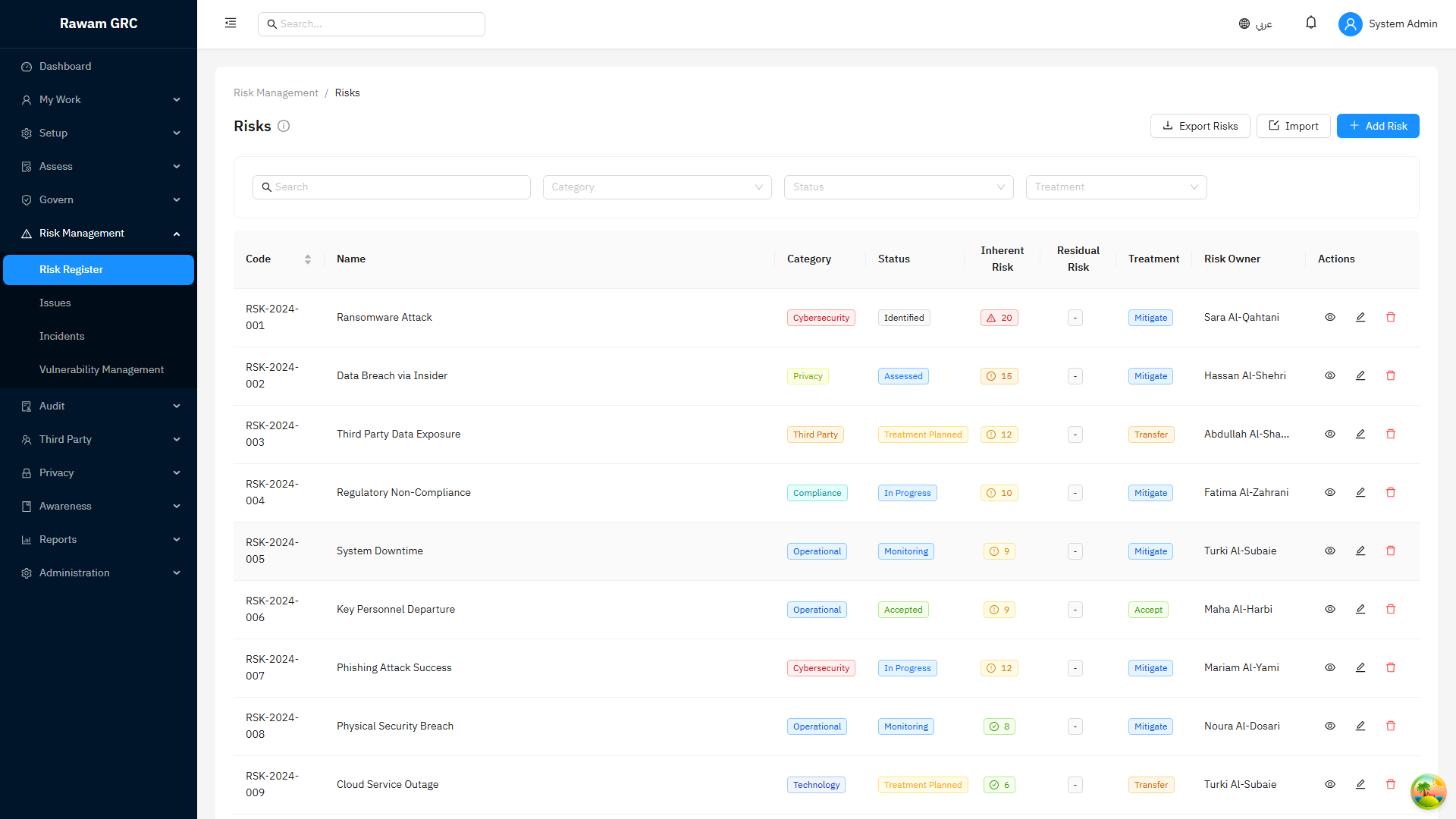
Use these playbooks when working inside the Risk Management module. They explain the risk lifecycle, reassessment triggers, audit impact, and closure rules in the context of the risk register.
Manage a Critical Risk to Acceptance or Closure
- Open Risk Management.
- Create or open the risk.
- Confirm title, source, consequences, category, owner, asset, vendor, policy, and related controls.
- Assess inherent likelihood and impact.
- Plan treatment: Accept, Mitigate, Transfer, Avoid, or No Treatment.
- Add linked controls and treatment actions.
- Record target score if treatment is expected to reduce exposure.
- Complete treatment actions and upload evidence.
- Record residual likelihood and impact only after evidence supports the change.
- Compare residual score against appetite.
- Accept the risk if residual exposure remains above tolerance and business acceptance is justified.
- Close only when the risk is resolved, no longer active, or formally accepted according to policy.
Reassess a Risk After a Control or Assessment Change
Use this when the risk is flagged Needs Reassessment.
- Filter the register by Needs Reassessment.
- Open the risk.
- Review the reassessment reason.
- Check the linked control, assessment, exception, issue, or audit finding.
- Review whether control effectiveness changed.
- Update residual likelihood and impact if exposure changed.
- Update treatment actions if more work is needed.
- Add evidence or comments explaining the decision.
- Click Mark Reassessed when complete.
Close a Risk Linked to an Audit Finding
Do not close a risk simply because an audit finding was submitted for verification.
Correct sequence:
- Confirm the finding is linked to the risk or issue.
- Confirm remediation evidence exists.
- Wait for auditor verification.
- If the finding is linked to an assessment control, wait for targeted reassessment.
- Review the reassessed control status and evidence.
- Update residual score if the corrected control reduces exposure.
- Close the risk only when residual exposure is resolved or formally accepted.
Screenshots
Risk Register
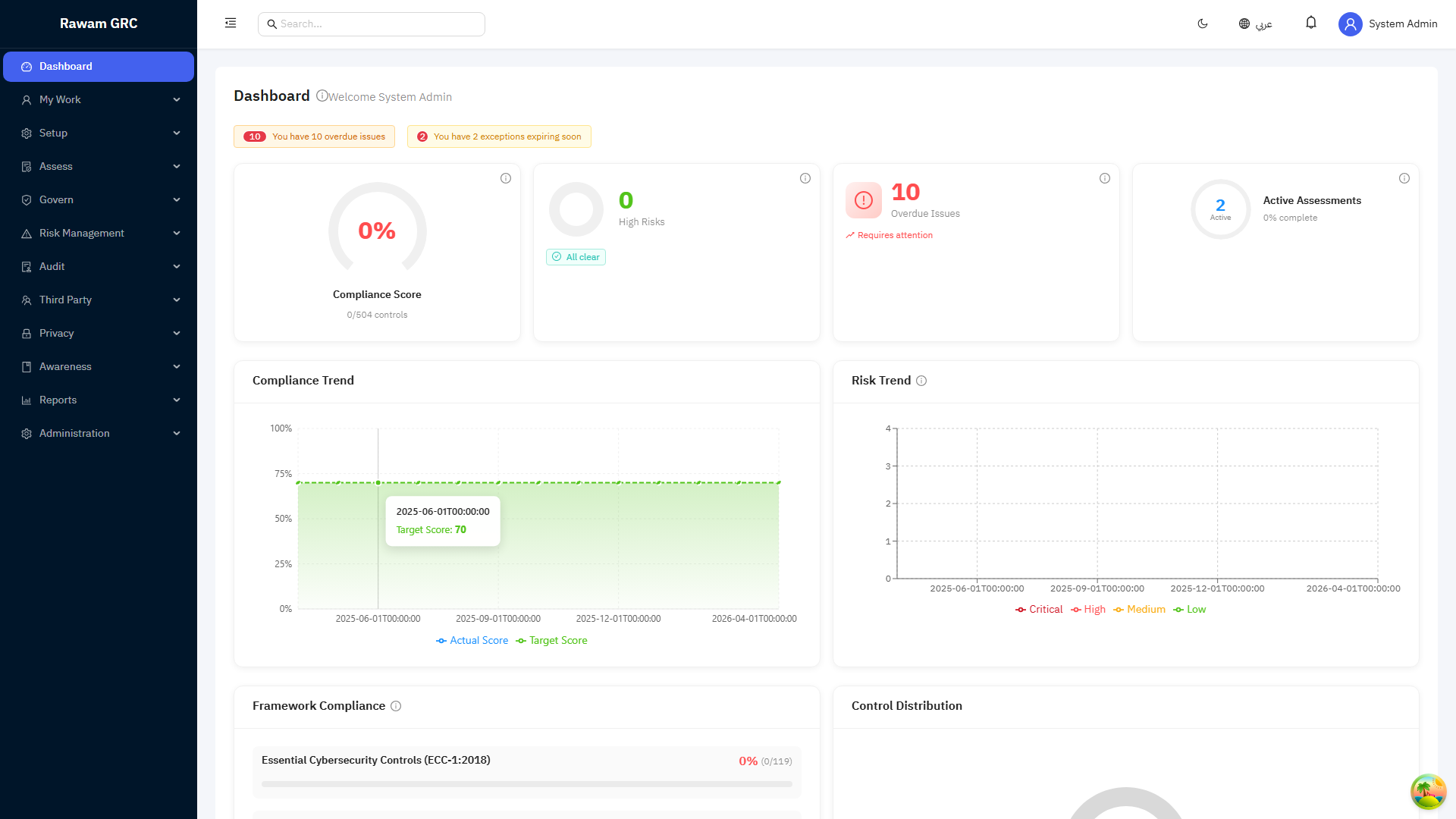
Dashboard Context
FAQ
| Question | Answer |
|---|---|
| What is the risk score formula? | Likelihood x Impact. The scale may be 5x5, 4x4, or tenant-configured. |
| When should residual score be reduced? | Only after implemented controls or treatment evidence supports lower exposure. |
| Can I close an above-tolerance risk? | Usually no. It must be accepted first according to the active appetite policy. |
| What does Needs Reassessment mean? | Something changed in a linked control, assessment, exception, issue, or finding that may affect exposure. |
| Can audit verification close a risk automatically? | No. Verification informs the risk owner, but the risk still needs scoring and closure decision. |