Audit Playbooks
Use these playbooks when working inside the Audit Management module. They explain how audits, findings, verification, assessment controls, issues, and risks connect.
Run an Audit Linked to an Assessment
- Open Audit Management.
- Create or select an audit program.
- Create the audit with scope, period, audit manager, team, and planned dates. The audit starts as Planned.
- Link the audit to the assessment being tested.
- Use Start Preparation to plan the work, confirm scope, and review assessment controls, responses, evidence, comments, and approval history.
- Use Start Fieldwork when testing begins, then record observations.
- Create findings for failed controls, missing evidence, weak evidence, or unsupported responses.
- Link each finding to the exact failed assessment control where applicable.
- Assign finding owner, severity, due date, root cause, recommendation, and evidence expectation.
- Use Start Reporting to draft findings and conclusions into the audit report.
- Use Start Follow-Up to monitor remediation and evidence upload.
- Verify findings when owners submit remediation evidence.
- Use Close only after findings, verifications, and required approvals are complete. The audit moves to Closed.
Verify and Close a Finding
Finding closure is not a direct owner close.
- Owner completes remediation.
- Owner uploads remediation evidence.
- Material finding is linked to an issue or risk.
- Owner uses the close action.
- The action submits the finding for verification.
- Auditor reviews the evidence.
- Auditor verifies or sends it back.
- Verified findings can be closed or accepted with rationale.
Trigger Targeted Assessment Reassessment
Use this when the finding is linked to a failed assessment control.
- Auditor verifies the finding.
- The linked assessment control is marked Requires Reassessment.
- The control compliance status resets to Not Assessed.
- A targeted reassessment due date is set.
- If the assessment was Completed or Closed, it reopens to In Progress.
- Control owner reassesses only that control.
- Control owner uploads updated evidence.
- Saving the control response clears the reassessment flag.
- Linked issue, treatment, or risk closure can proceed based on the corrected control state.
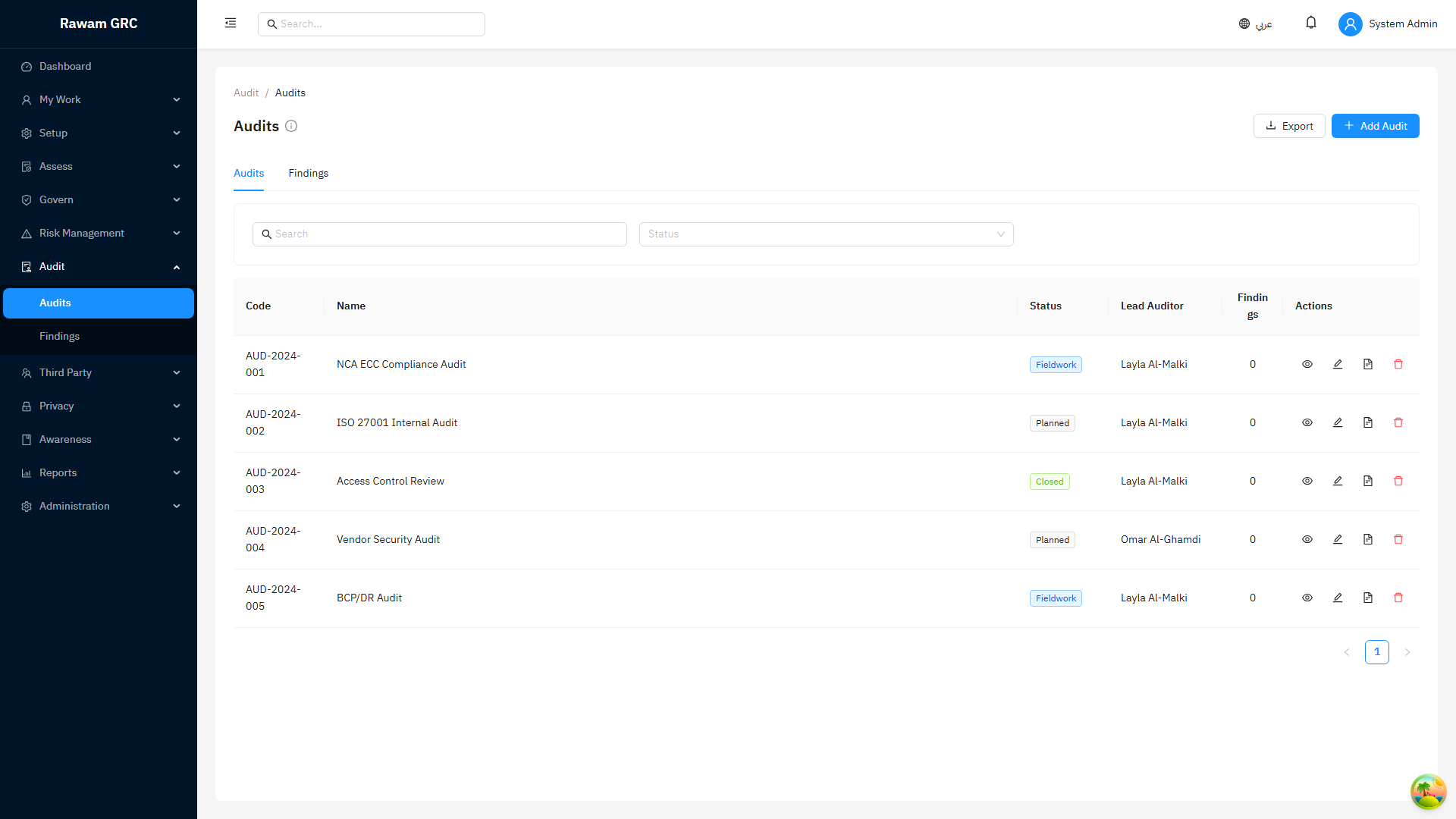
Screenshots
Audits
FAQ
| Question | Answer |
|---|---|
| Can a finding close without evidence? | No. Remediation evidence is required. |
| Can a material finding close without issue or risk linkage? | No. Material findings need governed remediation or exposure tracking. |
| What does close action do on a finding? | It submits the finding for auditor verification. |
| Does audit verification create a full reassessment? | No. It triggers targeted reassessment for the exact failed assessment control. |
| Who updates risk after verification? | The risk owner reviews residual exposure after reassessment evidence is available. |